yesterday post, i do install golang to server today we will install “MariaDB” to ubuntu, because we needed to connect database to “golang”.
same as yesterday all basic update upgrade autoremove will skip here.
we begin with
sudo apt install mariadb-server
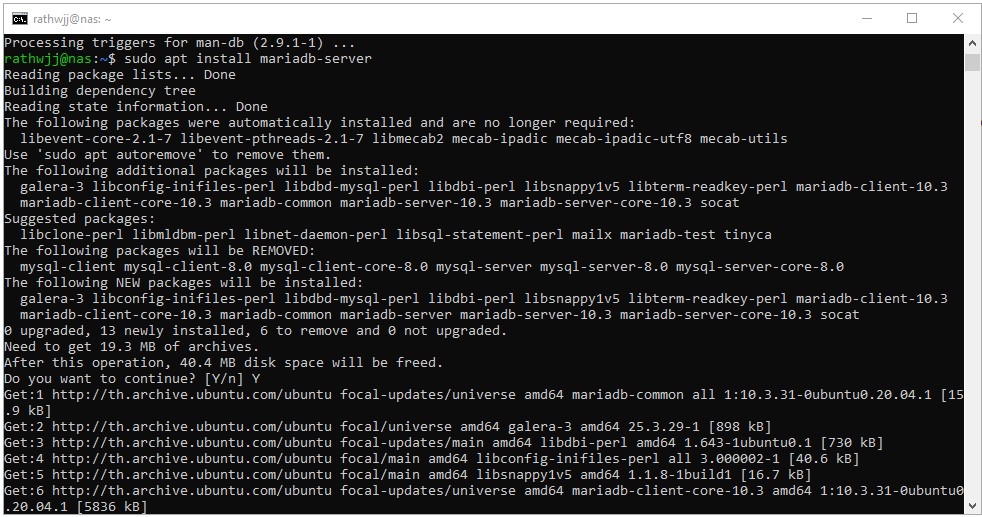
this will install MariaDB we can test by
sudo systemctl status mariadb
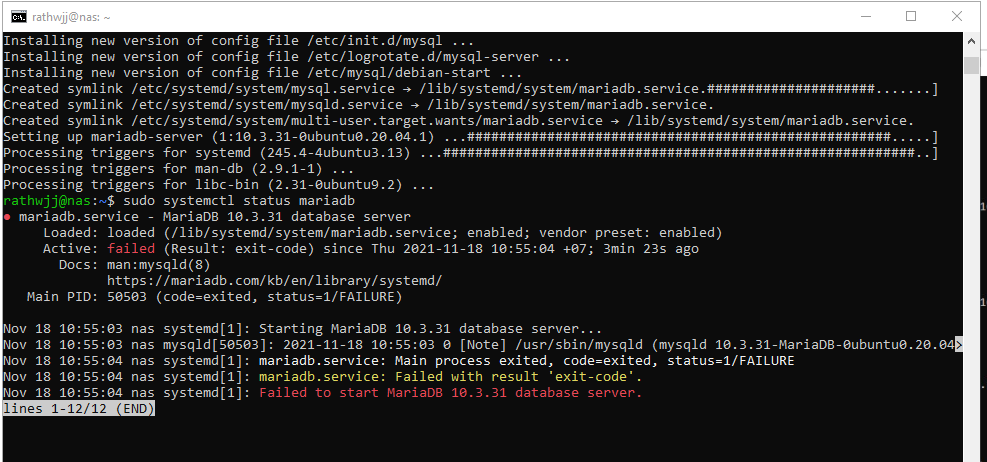
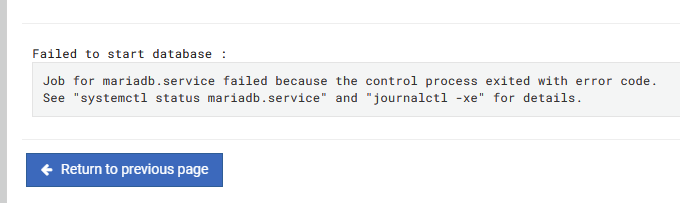
problem with “exit code”
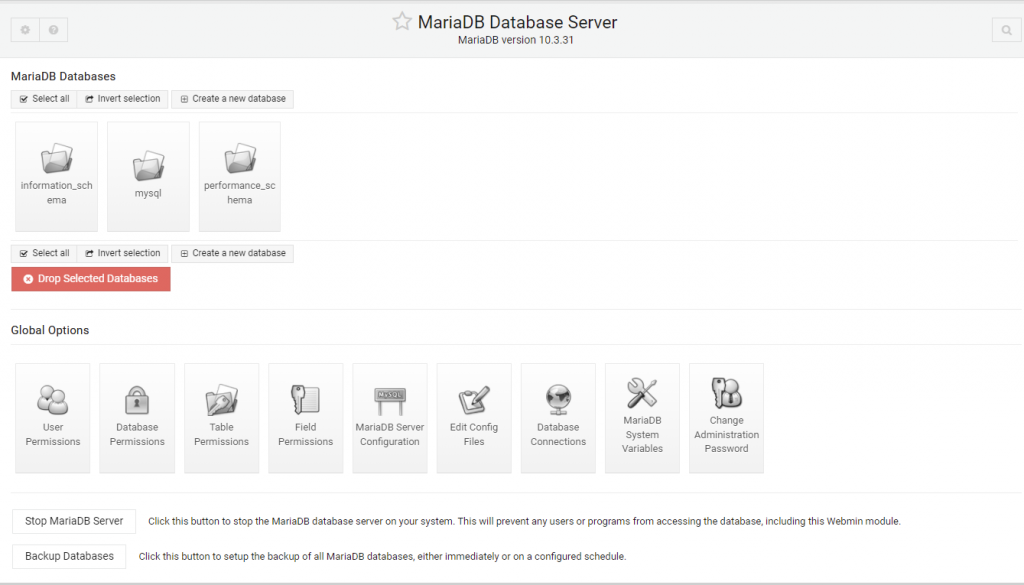
checking with webmin
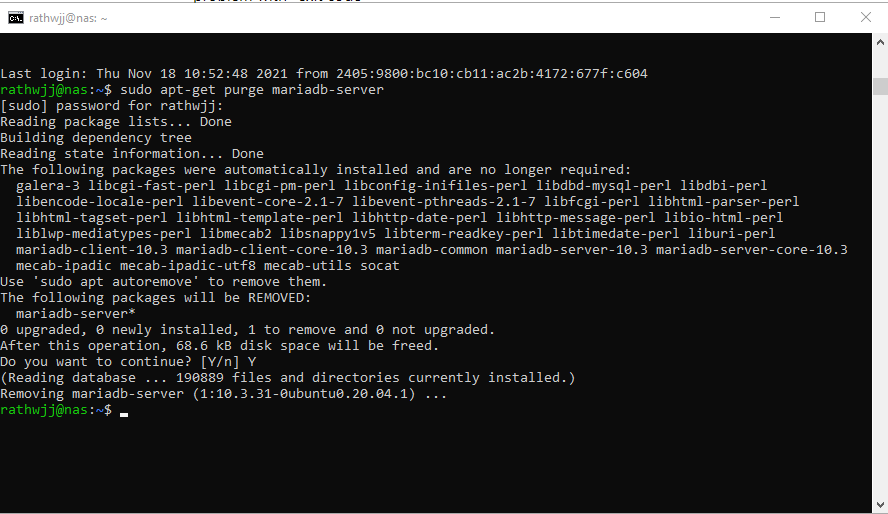
try solve this by reinstall MariaDB first purge everything
sudo apt-get purge mariadb-server
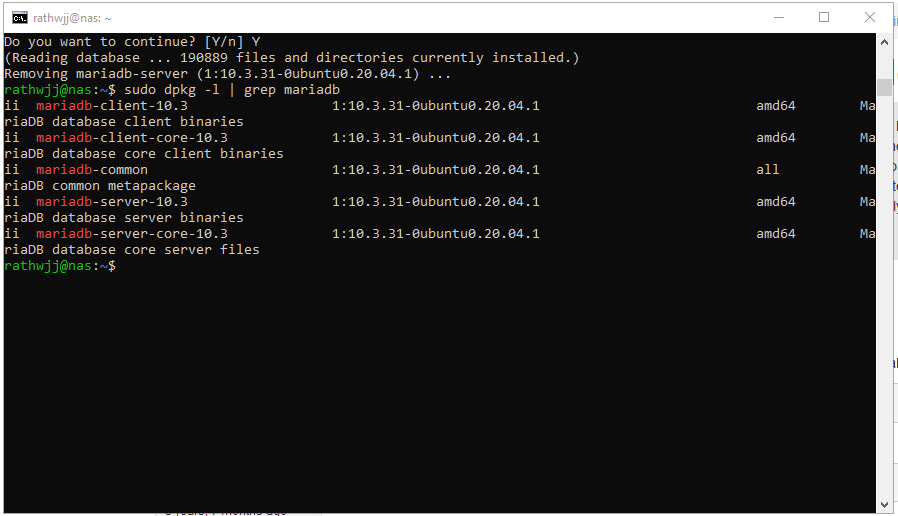
let check what happen with
sudo dpkg -l | grep mariadb
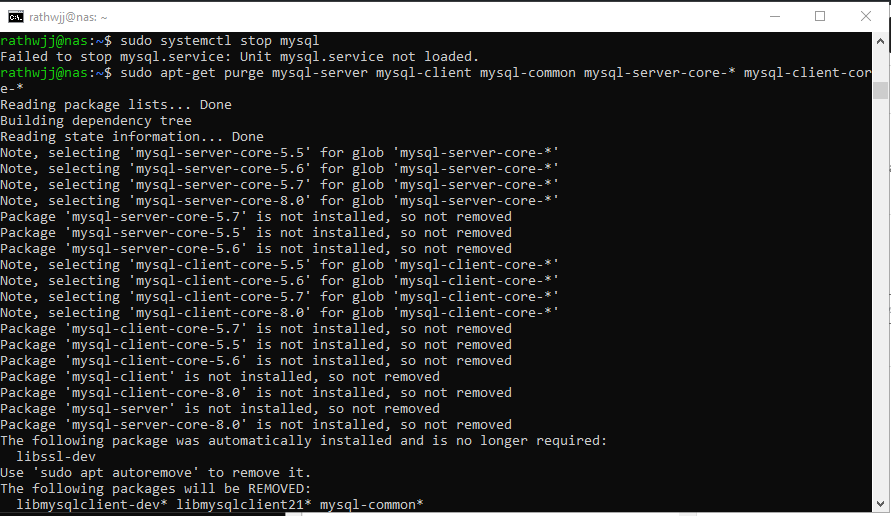
second remove old mysql too
sudo apt-get purge mysql-server mysql-client mysql-common mysql-server-core-* mysql-client-core-*
remove old config
sudo rm -rf /etc/mysql /var/lib/mysql

we will try again
sudo apt install mariadb-server
now we got different error

error: alternative path /etc/mysql/mariadb.cnf doesn’t exist
dpkg: error processing package mariadb-common (–configure):
installed mariadb-common package post-installation script subprocess returned error exit status 2
Errors were encountered while processing:
mariadb-common
E: Sub-process /usr/bin/dpkg returned an error code (1)
- fix this with
cd
mkdir mariadbcommon
cd mariadbcommon
apt-get download mariadb-common

now extract file and copy it to where they should be.
ar xvf *
tar xvf dat*
sudo cp ./etc/mysql/mariadb.cnf /etc/mysql/mariadb.cnf
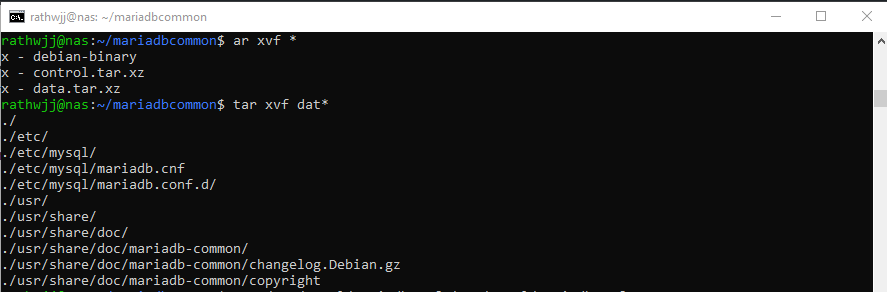
don’t forget to “sudo”
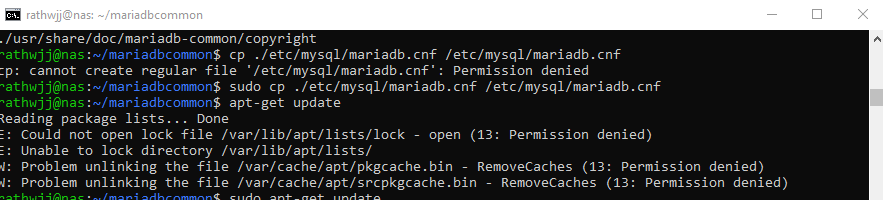
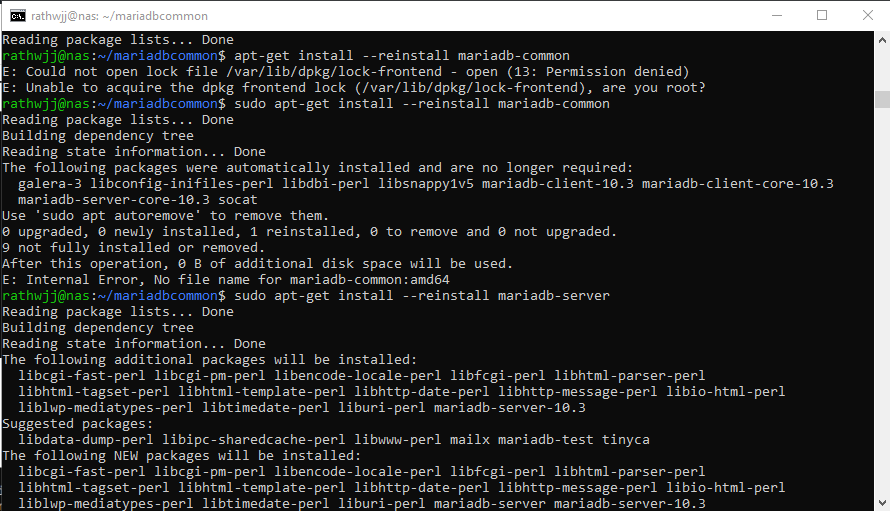
after update upgrade reinstall “mariadb”
apt-get install --reinstall mariadb-common
apt-get install --reinstall mariadb-server
now check again about
sudo systemctl status mariadb
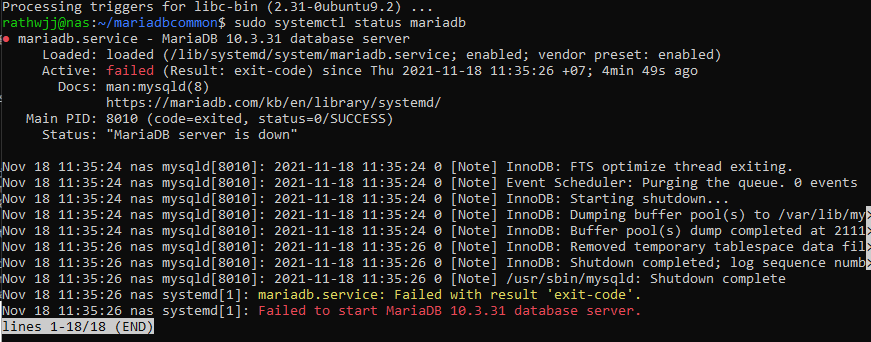
still same error
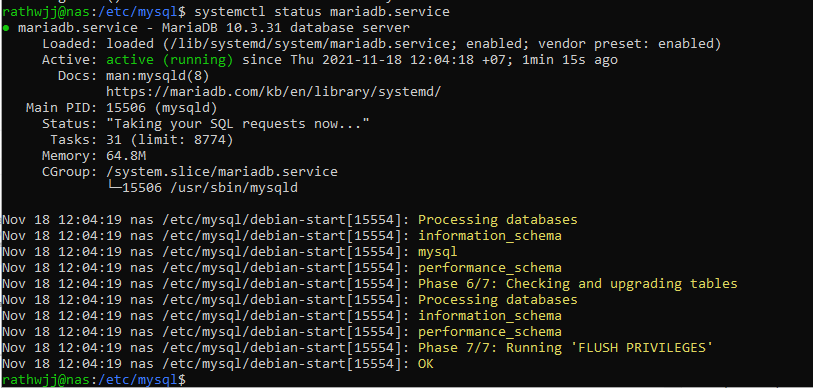
look in webmin it show differ error

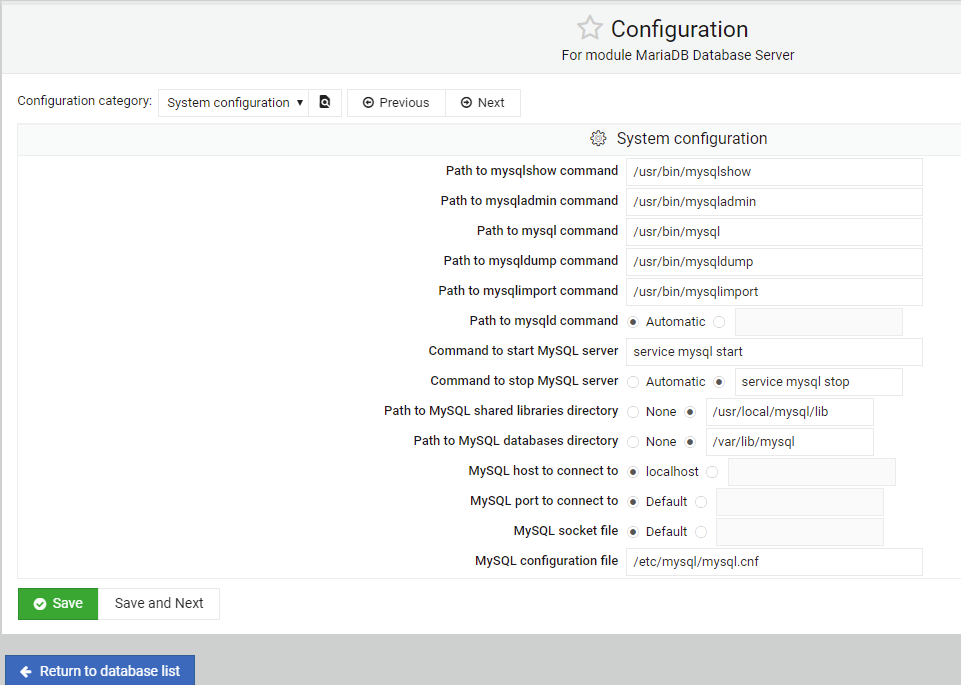
see the different ?
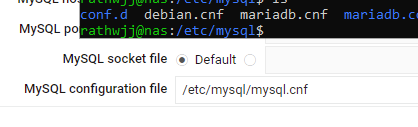
after change that file the old error back.
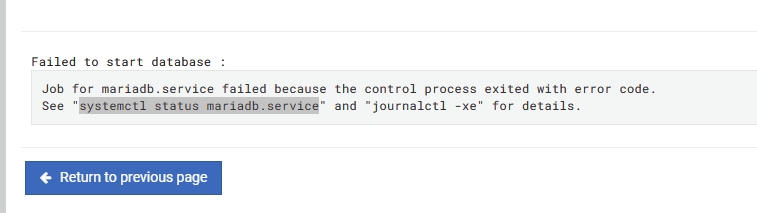
seem like i’m in the loop.
so change to installing via webmin
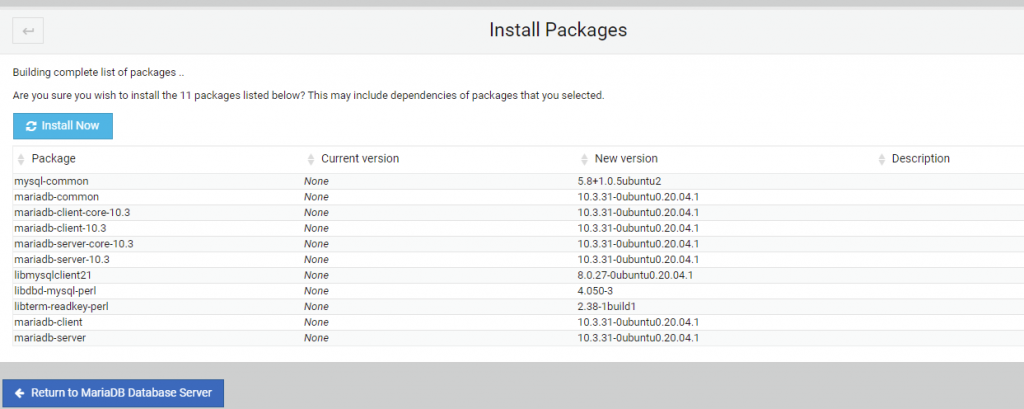
then the result.