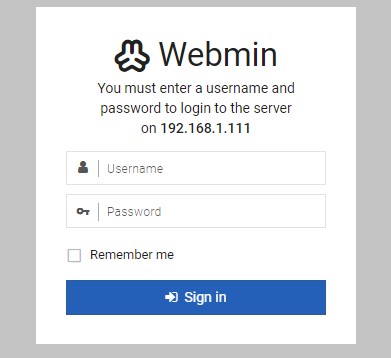
this may just for reference, not related to backup purpose, however this is easier than use ssh all the time.
after install openssh on your server you can identify your system that you already have ssh profile in your windows clients or not by go to c:\users\

in case you login to ssh and found some conflict, you can just delete this “.ssh” folder, windows will recreate this folder again later.

you can create command line shortcut by do right click > new shortcut > type ‘cmd’ and then finish.
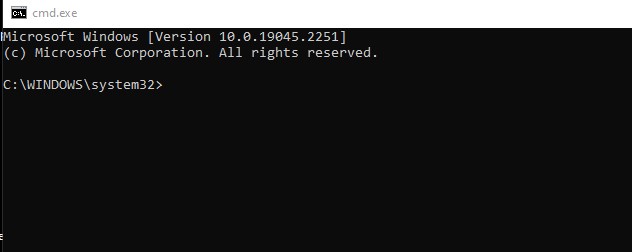
when you open cmd you will see this
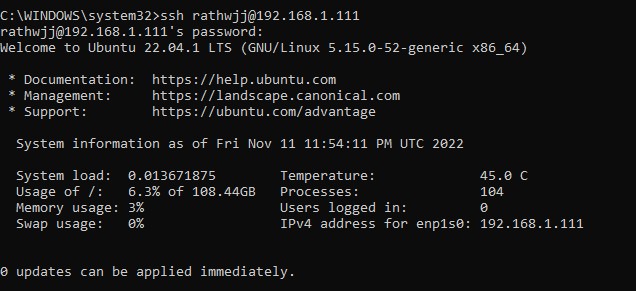
command ssh <user@server> is command for this. type password you will see this.
this below ssh for install webmin via command line:
sudo nano /etc/apt/sources.list
deb http://download.webmin.com/download/repository sarge contrib
wget -q -O- http://www.webmin.com/jcameron-key.asc | sudo apt-key add
sudo apt update
sudo apt install webmin

please allow 10000 port for access via https port.

sudo ufw allow 10000

optional: check for your python for some dependencies.
ref: https://www.digitalocean.com/community/tutorials/how-to-install-webmin-on-ubuntu-20-04

you will get this